
7DaysToDie2.4
7 Days To Die 2.4 (Version 2.4)
The 2.4 experimental is a small but urgent rollout to get everyone on the new Epic Online Services (EOS) build before the current one expires on October 1. It’s no longer an alpha branch - expect a quick promotion to stable, while 2.5 carries the next content chunk and 3.0 is where glass jars and UI tweaks appear.
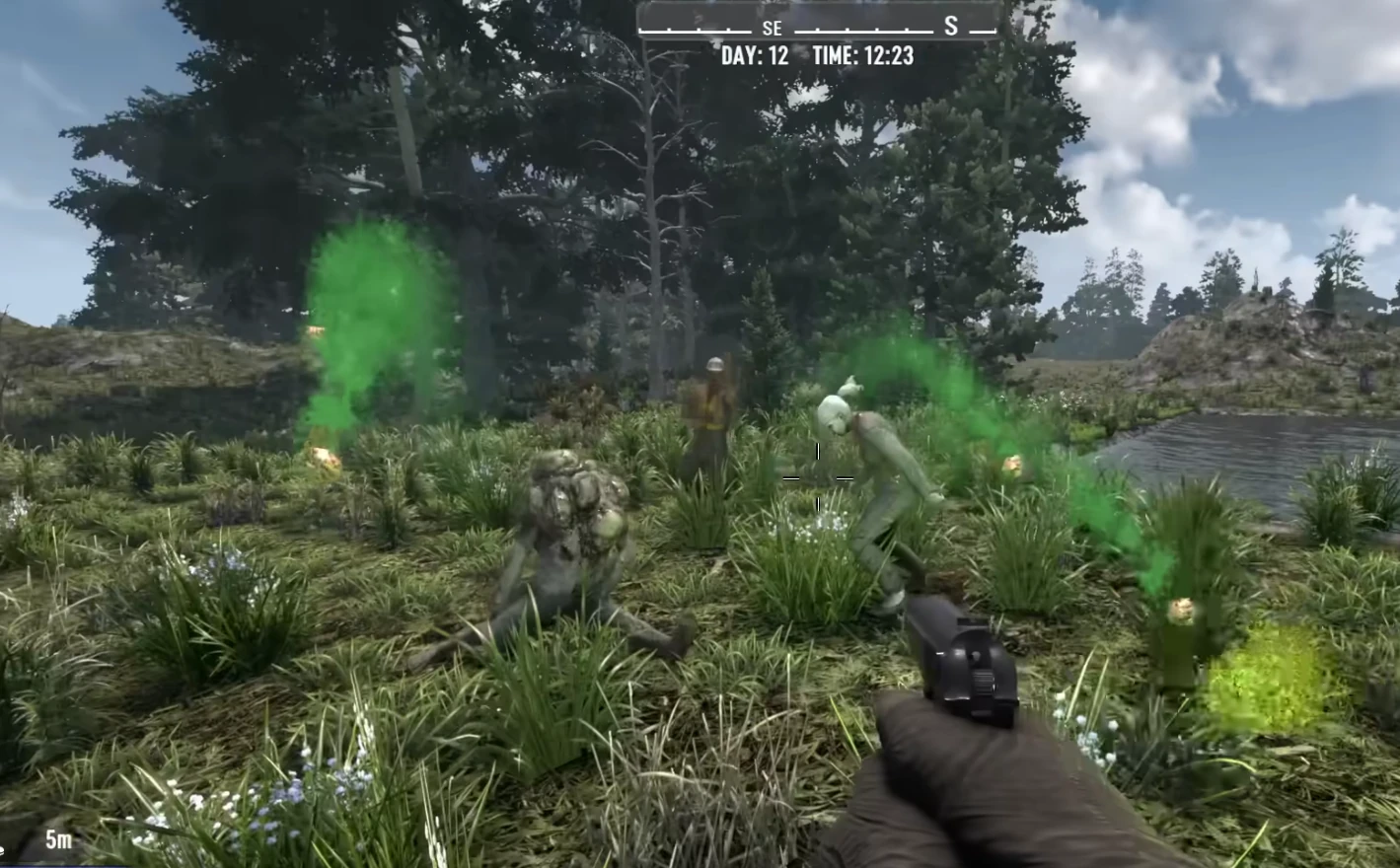
2.4 experimental highlights
-
Factory O2 (Shotgun Messiah) quest is completable again.
-
Armor magazine rolls retuned: level 1 medium/heavy armor perks now give 400% find chance (up from 200%); level 4 gives 2000% (up from 1000%).
-
Launcher “1980-zero” error addressed.
-
EAC message-size failure on servers fixed.
-
Police car lock exploit (ramming with a vehicle to skip the alarm) removed.
-
Null reference exceptions on airdrops and quests cleaned up.
-
PS5: exit-to-menu restart failure fixed; missing blue hue on water corrected.
-
Steam build strobing effect fixed.
-
Toggle sprint now turns off when entering/exiting vehicles.
-
Crossplay: loot respawn days now accept 0 or 1, enabling true no-respawn servers without blocking PS5/Xbox connections.
Fast hosting checklist (2.4 rollout)
-
Back up
Saves/andMods/, then patch to the new EOS build before October 1. -
If you run crossplay, set loot respawn to 0 or 1 and retest PS5/Xbox logins.
-
Run a quest + airdrop sanity check to confirm the NRE fixes; keep an eye on launcher/EAC logs.
-
Police car alarm exploit is gone - let your players know before their next loot run.
Coming soon (2.5 / 3.0)
-
Glass jars confirmed for 3.0 (per the dev screenshot); unlikely in 2.4, maybe 2.5 at the earliest.
-
UI tweak spotted: food/water bars moved to the bottom-left with percentages.
-
Chicken coop is “in production,” likely alongside the honey collector later on.
What each version is
-
Alpha 21 (A21): Major June 2023 alpha drop with sweeping gameplay, art, and systems changes. (Sources: 7 Days to Die Wiki, Corrosion Hour, 7 Days to Die Mods)
-
Version 2.4 (V2.4): Part of the newer V2.x numbering (stable Sep 2025). Focused on fixes, stability, connectivity, and compatibility - not a massive content overhaul. (Sources: The Fun Pimps, 7 Days to Die Mods)
Key differences
1) Scope / Feature set
-
A21: Big content update - new POIs, danger/infestation systems, loot container overhaul, art/prop refresh, gore changes, survival rebalance (water/looting). (Corrosion Hour)
-
V2.4: Primarily fixes and connectivity; the “V2.4 b5 Stable Update” changelog is mostly bug fixes. (7 Days to Die Mods)
2) How it feels in play
-
A21: You’ll notice new architecture, loot behavior, and survival loops immediately.
-
V2.4: Fewer new mechanics; you’ll mainly feel better stability, fewer quest bugs, and improved crossplay/connectivity.
3) Survival / gameplay mechanics
-
A21: Survival loop reworked - water collection rebalance (removed empty bottles/cans, added dew collectors). (forevergaming.co.uk)
-
V2.4: No major survival mechanic added; focuses on quest fixes and connection reliability. (7 Days to Die Mods)
4) Art / world / POIs
-
A21: Large world/visual refresh - hundreds of new shapes, new props, double doors, improved water simulation, hazard systems. (forevergaming.co.uk)
-
V2.4: No big world overhaul; mostly refinement.
5) Modding / server / compatibility
-
A21: Massive systems changes mean many mods/servers needed updates.
-
V2.4: Connectivity focus (EOS version compatibility, crossplay). Note: older EOS versions (<1.17.1.3) lose support. (The Fun Pimps)
What this means for you
-
Players/modders choosing a version: A21 is the big milestone with lots to learn; V2.4 is the stable, polished branch with fewer surprises.
-
Upgrading a modded server:
-
Jumping to A21 from older builds? Expect rebalance/loot/quest/POI changes - test mods carefully.
-
Moving to V2.4 from later V2 builds? Expect polish/compatibility fixes; review EOS/crossplay settings.
-
Dedicated hosts: On A21, vet mods heavily. On V2.4, emphasize version matching (EOS/crossplay) and keep backups before patching.
Quick hosting checklist for V2.4
-
Back up
Saves/andMods/. -
Update binaries to the V2.4 public branch; restart.
-
Verify EOS/crossplay settings match your player base.
-
Scan logs for XML/mod errors; pull any outdated overhaul packs before go-live.
-
Run a short quest/blood moon test to confirm stability.
Ready to move? Launch a clean 2.4 world or import your save, confirm connectivity, and re-enable mods one by one. If you hit issues, grab the latest log and reach out - most V2.4 problems are version mismatches or lingering mod patches.
Stay in the journey
7 Days to Die updates
Follow the latest stable and experimental builds with patch notes and server prep steps.
More ways to get answers